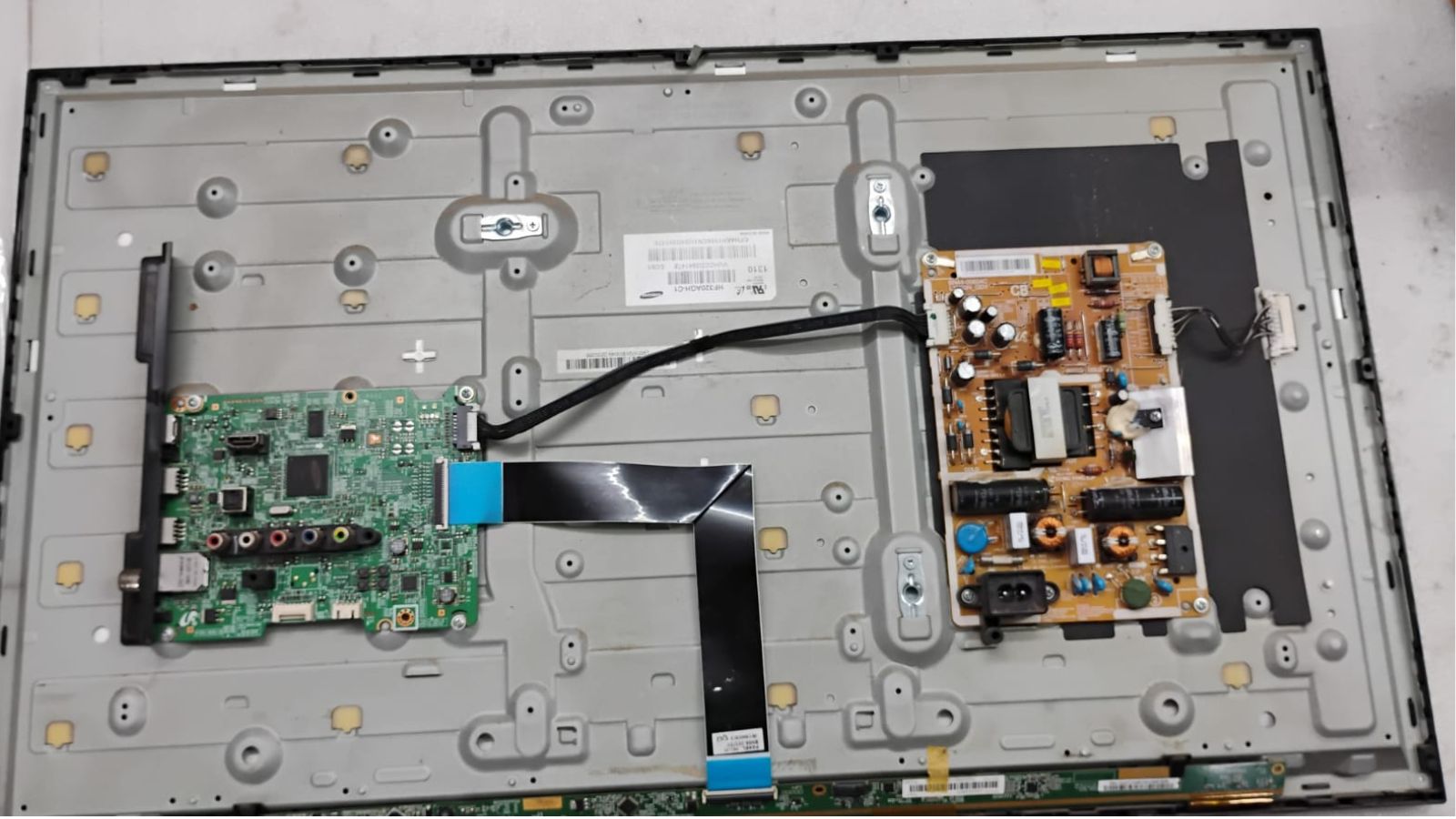
Smart TVs combine a television display with computer-like software, network connectivity and multiple input systems. As a result, a Smart TV can develop both hardware and software problems. If your Smart TV is not working properly in Coimbatore, identifying whether the issue is related to the network, software or hardware can save time.
Common Smart TV Problems
- Wi-Fi keeps disconnecting.
- Apps do not open or crash.
- TV becomes slow or freezes.
- Remote does not pair correctly.
- Software update fails.
- Streaming applications buffer or stop loading.
- TV repeatedly restarts.
- HDMI devices are not detected.
Simple Troubleshooting Steps
Restart the TV and Router
Temporary network or software glitches can sometimes be cleared by restarting both the television and the home router.
Check the Network on Another Device
If phones and computers also have internet problems, the issue may be with the router or internet connection rather than the TV.
Check for Software Updates
Manufacturers periodically release software updates that can improve stability and compatibility. Use the TV's official update process and avoid interrupting an update.
When Professional Smart TV Service Is Needed
If the TV continues freezing, restarting or failing to connect after basic checks, the problem may involve internal memory, mainboard hardware, power stability or other components. Professional testing can help separate a software issue from a hardware fault.
JK Electronics provides service for various Smart TV and Android TV problems depending on the model and fault. Learn more through our TV Service Center in Coimbatore page.
Protecting Your Smart TV
Keep the TV software updated, provide good ventilation, avoid unstable power sources where possible and use reliable HDMI and network cables. If a problem keeps returning, professional diagnosis is preferable to repeated factory resets.
JK Electronics 360 – TV repair and service support in Coimbatore.
Comments
Post a Comment